

Email a contact
Included with Professional and Enterprise
This lesson asks Marcus Lee, the solicitor, for the contract of sale.
Before you start
- Your role needs Send emails from within VOW. If you do not have it, Set up users shows how an administrator gives it to you.
- Open the job, quote or request the person is on. The Contacts column lists them.
Email a contact
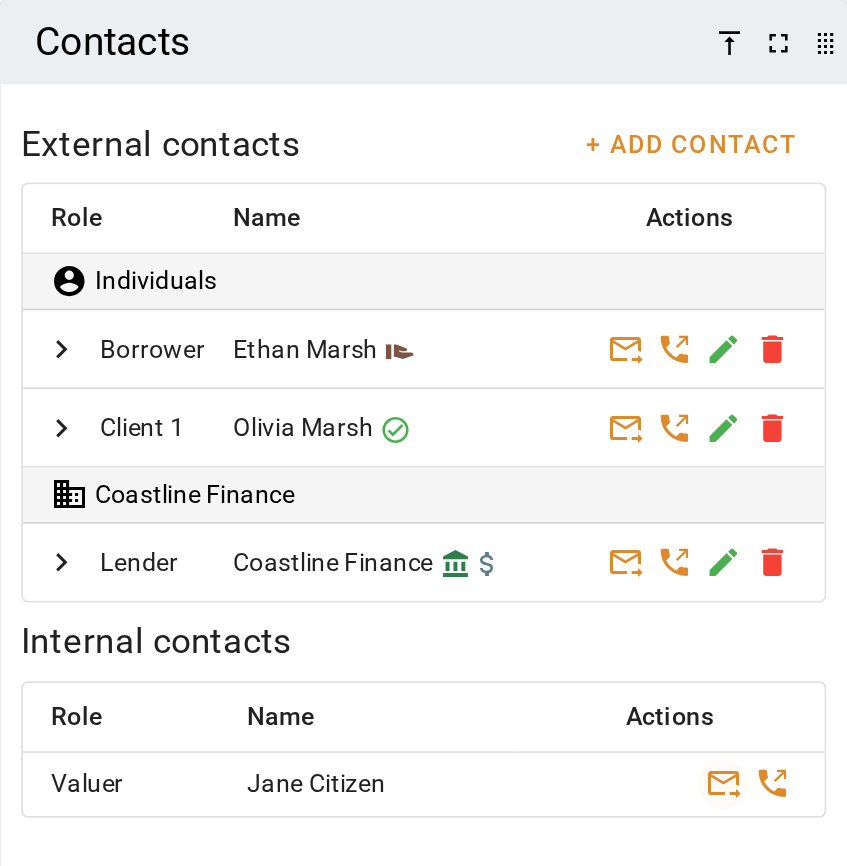
- Find the person under Contacts. The envelope beside their name is live when they have an email address, and crossed out when they do not.
- Click the envelope. The composer opens with them under Recipient(s). If your company's email integration is off, the envelope opens a new email in your own mail program instead, and VOW does not log it.
- Type the Subject and the message, choose a Signature, and click Send.
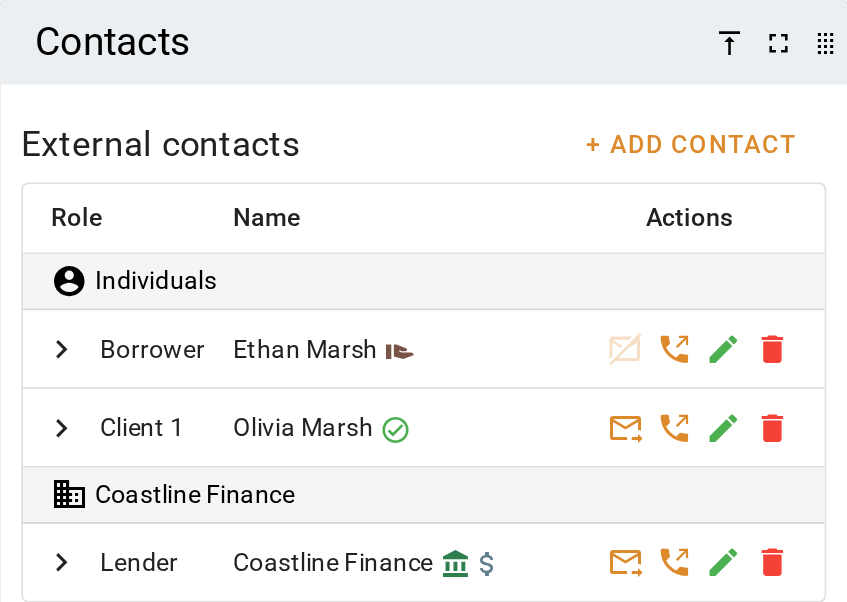
A contact with no email address shows a crossed-out envelope. Click the button on the contact and add the address. The envelope becomes live.
Email the people in your company
Under Internal contacts, below the external contacts, click the envelope beside the valuer, an additional or supervising valuer, or the assignee. The composer opens addressed to them. A request has no internal contacts.
What you should see
The composer opens with the contact's name as a chip under Recipient(s). Once the email has gone, the job's event log shows Email sent.
Next
Attach files to an email. For everything the contacts panel can do, see Contacts panel.