Skip to content

My settings

My settings are per-user preferences that control how VOW behaves for your account only. They are independent of organisation-wide configuration and do not affect other users. For organisation-wide preferences, see Settings | System.

Security

Settings governing how the platform protects your session and authenticates you to the rest of the system. Changes apply to your account only.
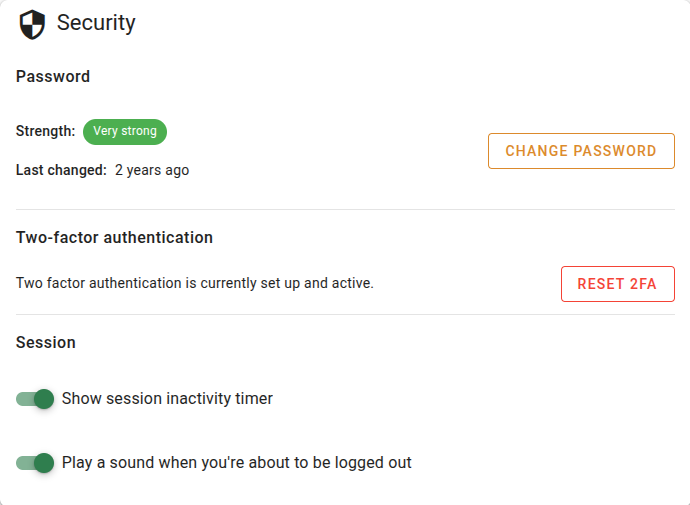
Security settings

Password

FieldDescription
StrengthA visual strength rating for your current password. Use it as a prompt to update your password if the rating is low.
Last changedHow long ago your password was last updated.
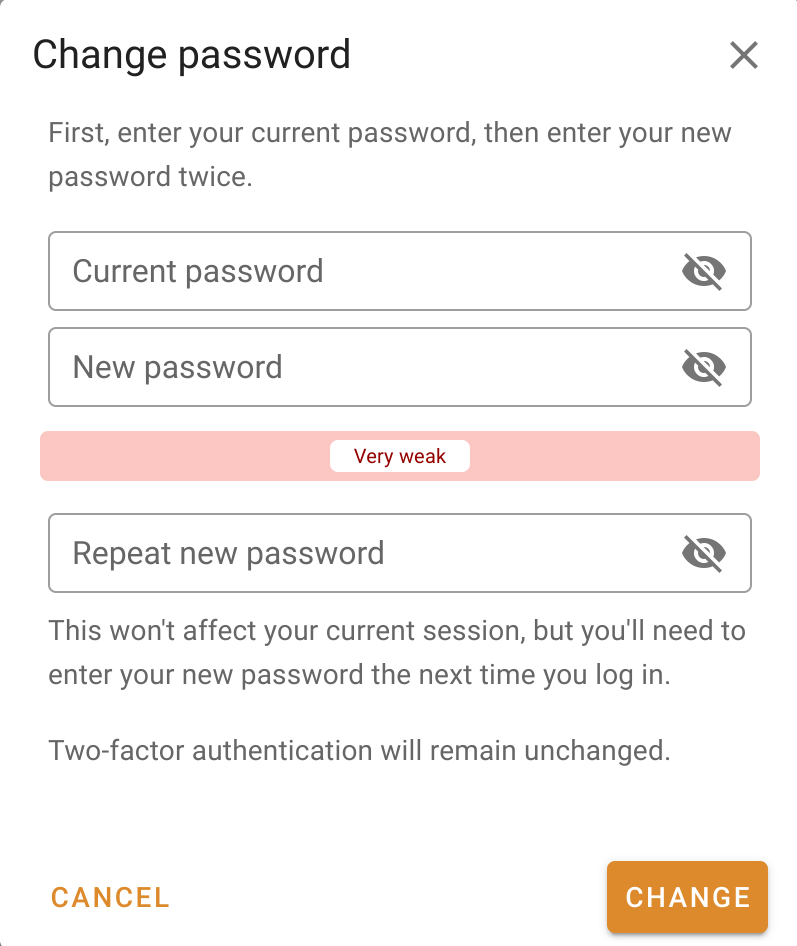
Change passwordAction
Opens a dialog to set a new password.

Two-factor authentication

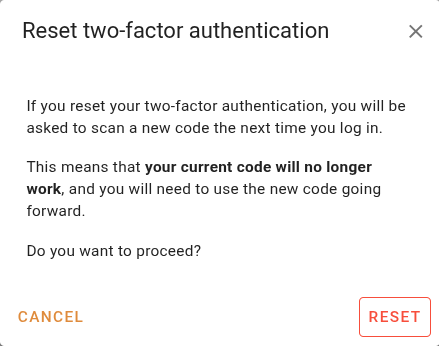
Reset 2FAAction
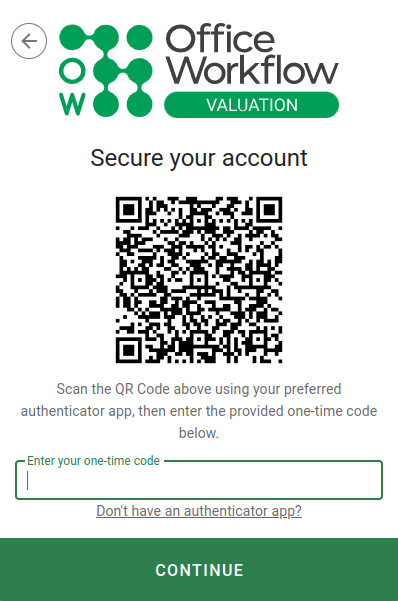
Clears your two-factor authentication so you can re-enrol.

Session

Show session inactivity timerToggle
Display a countdown in the top right of the application.
Play a sound when you're about to be logged outToggle
Audible warning shortly before automatic logout.

Integration

Settings for connecting VOW to external tools and companion applications.
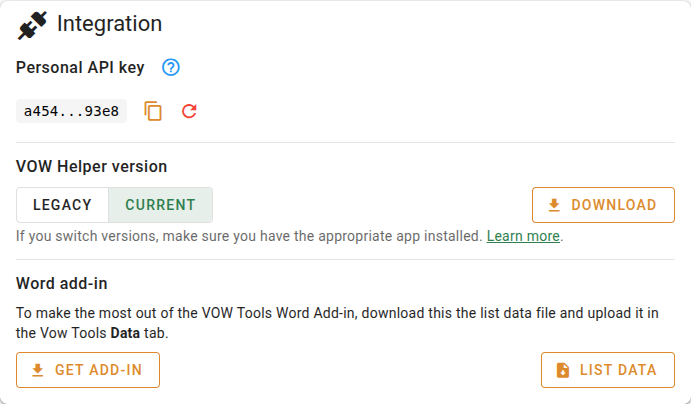
Integration settings

API key

Your API key is used by the VOW Helper desktop application to authenticate its requests on your behalf. See VOW API key for more information.

Copy API keyAction
Copies your current API key to the clipboard.
Regenerate API keyAction
Issues a new API key and invalidates the current one.

VOW Helper version

VOW Helper versionInput
Switch between the legacy and current versions of the VOW Helper.
DownloadAction
Downloads the installer for the selected version of the VOW Helper

App settings

These settings control how VOW appears and behaves for you.

Compact linksToggle
Reduces the height of navigation links in the main sidebar.
Show notification badgesToggle
Displays unread notification counts on sidebar items.

Valuation column view

Compact job cardsToggle
Reduces the size of job cards in the valuation column view.

Quotes

Use legacy filtersToggle
Switches the quotes list back to the older filter interface.

VOW Maps

Limit VOW Maps to open in a single browser tabToggle
Prevents VOW Maps from opening multiple tabs.

Time keeping

Time tracker always visible in title barToggle
Pins the time tracker to the application title bar.
Hourly rateInput
Your default rate charged to clients for time spent on jobs.

Emails

Identity used when the platform sends emails on your behalf.

FieldDescription
Sender nameThe name that appears in the From field of emails sent by the system on your behalf.
Reply-to addressThe email address that recipients will reply to.
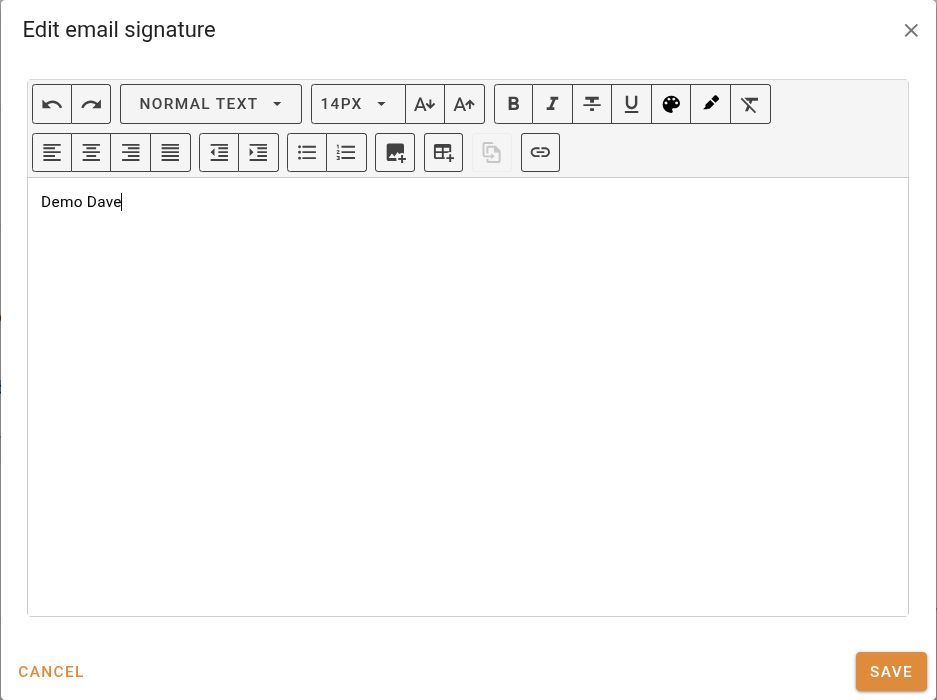
Email signatureAction
Opens a dialog to edit the signature appended to outgoing emails.

Job form

Settings that control how the job address form is presented when creating or editing a job.
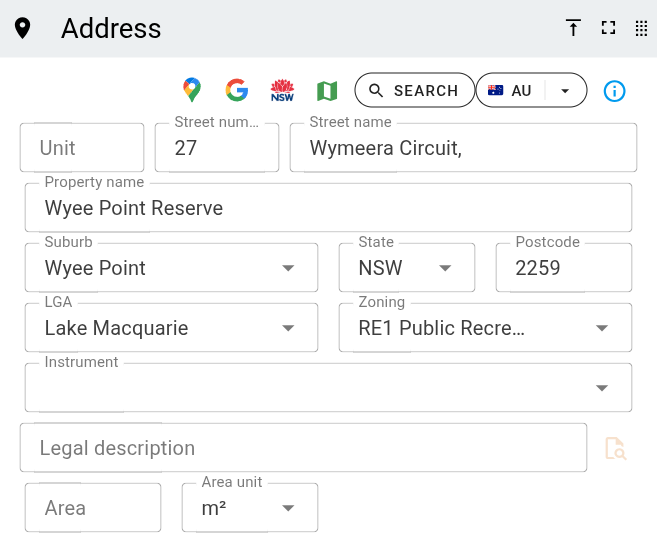
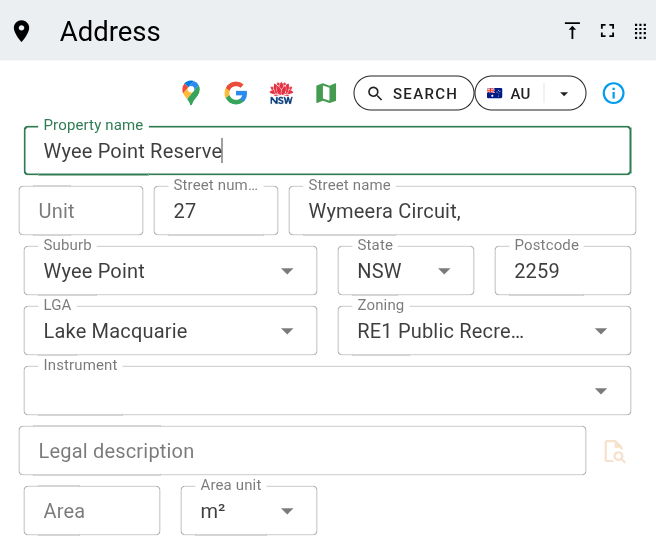
Show property name as first field on address formToggle
Moves the property name field to the top of the address form.