

Full search
The Full tab is a criteria builder that allows searching against every available field for the current module. Available fields are specific to each module and are listed in Properties search and Sales search.
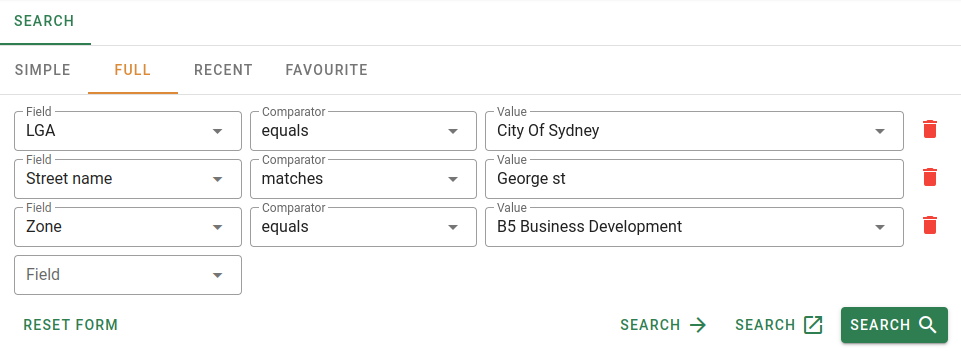
Criteria
Each criterion row contains three inputs.
| Field | Description |
|---|---|
| Field | The field to search on. Available fields vary by module; see Properties search and Sales search. |
| Comparator | How the field value is compared to the value entered. Only visible when a field is selected. See Search comparators for details on each comparator and the value input it requires. |
| Value | The value to compare against. Only visible when a comparator is selected. The form of the input changes based on the comparator selected. |
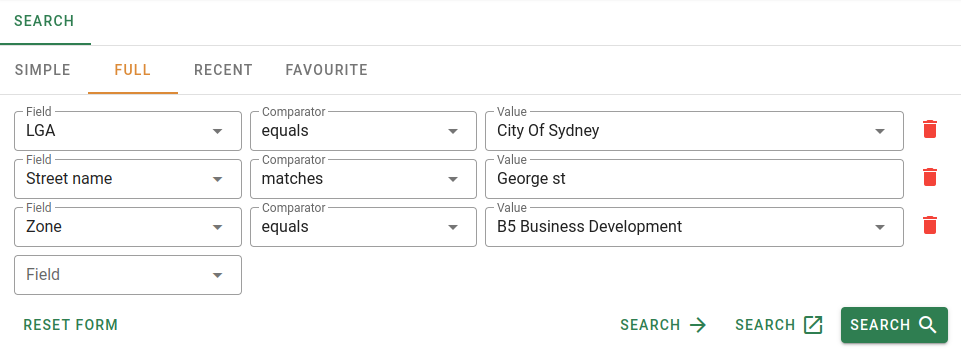
A new empty criterion row is added automatically when a field is selected on the last row.
Form actions
The form has a row of action buttons along the bottom.
The three Search buttons are disabled until at least one complete criterion has been entered.