Resale report
The resale report lists properties that have sold two or more times within a chosen period, grouped by local government area. It draws on both VG and your firm's own sale records, and counts only genuinely separate sales.
What the report includes
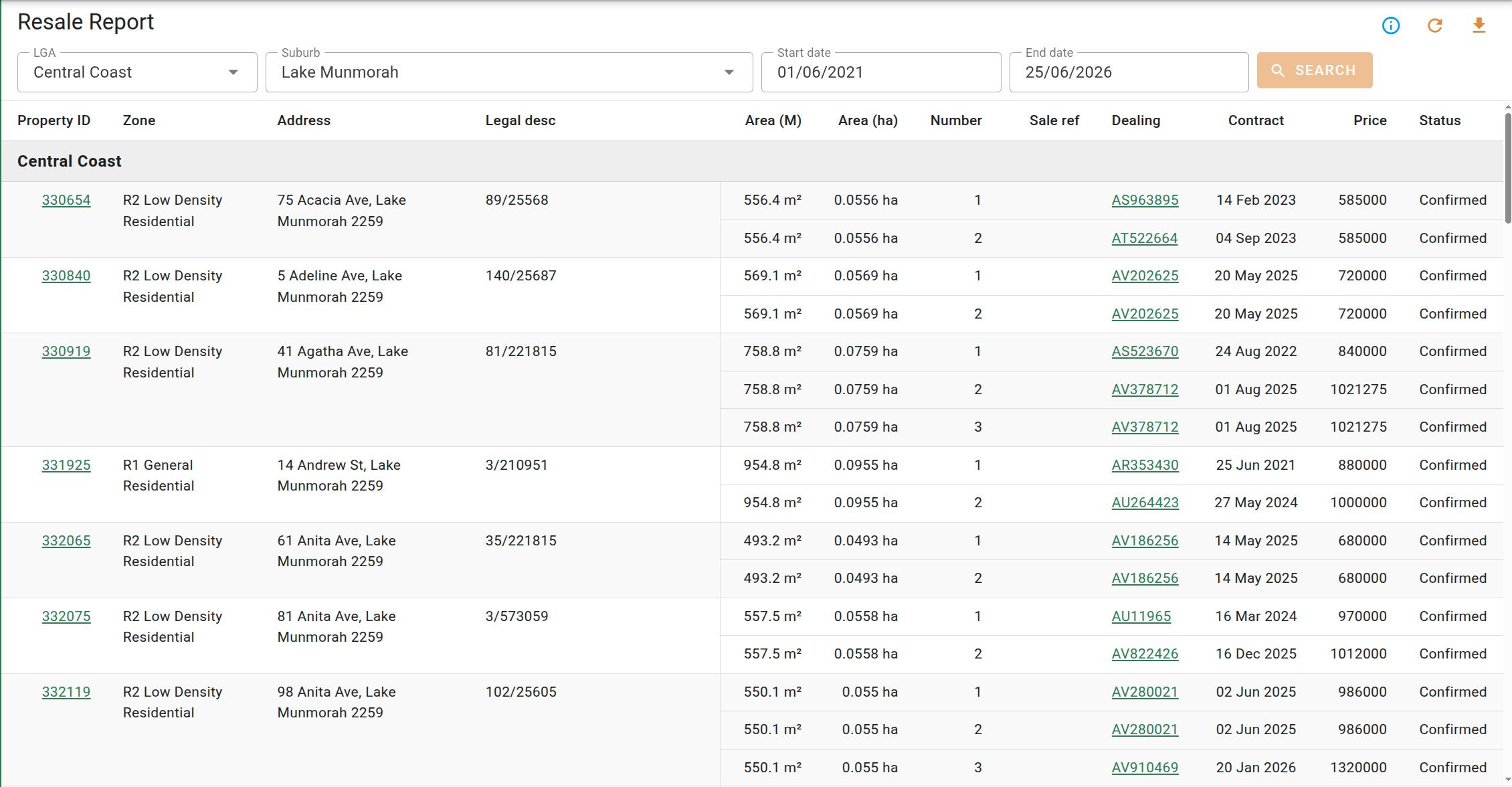
A property is listed only when two or more separate sales of it have a contract date inside the selected period. The same sale recorded in more than one place, such as a VG sale and the company sale created when you analyse it, counts once rather than as a repeat sale. Each property appears once, with a row for every qualifying sale beneath it, and properties are grouped under a heading for the local government area they sit in. Within each area, properties are ordered by address.
Where a property's qualifying sales come from both sources, they are listed together under the single property entry.
Provisional sales are not included, and strata-titled properties are excluded.
Viewing the resale report requires the Print management reports permission.
Report controls
The filters along the top of the report determine which sales are included. The report runs when you search rather than updating automatically, so a change to the filters takes effect only once you start a new search.
| Filter | Description |
|---|---|
| LGA | The local government areas the report covers. At least one is required, and several can be selected. |
| Suburb | Restricts the results to particular suburbs, found by typing in the field. When left empty, every suburb in the selected areas is included. |
| Start date | The earliest contract date included. Required. |
| End date | The latest contract date included. Required. |
Report columns
The report is a single list. Sales are grouped by property, and properties are grouped under a heading for each local government area. The first columns identify the property and apply to all of its sales; the remaining columns describe each individual sale. Selecting a Property ID opens that property, and selecting a Sale ref or Dealing opens that sale.
| Column | Description |
|---|---|
| Property ID | The property's identifier. Opens the property. |
| Zone | The property's zoning. |
| Address | The property's full address. |
| Legal desc | The property's legal description. |
| Area (M) | The land area in square metres. |
| Area (ha) | The land area in hectares. |
| Number | A sequential number for each sale listed against the property. |
| Sale ref | The sale's reference. Opens the sale. |
| Dealing | The sale's dealing number. Opens the sale. |
| Contract | The contract date of the sale. |
| Price | The sale price. |
| Status | Whether the sale is confirmed or unconfirmed. VG sales are always confirmed. |
Exporting
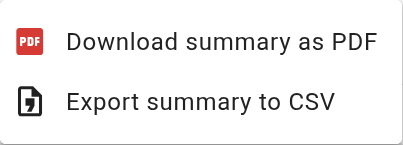
The menu downloads the report. The export covers the areas and dates currently set in the filters.