

Changing your password
If you forget your password or want to update it, you can use the Don't remember your password? link under the password field to request a reset.
You'll be taken to the form below.
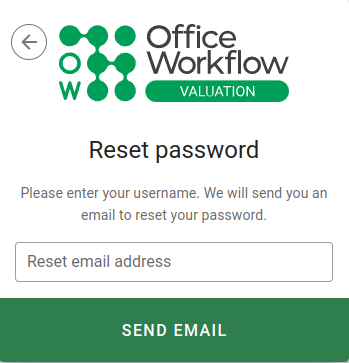
Enter your username if it hasn't already been populated, then click the Send email button.
You'll receive an email from the VOW server with a link you can use to reset your password. The link will expire after 24 hours, but you can always request a new one. Only the most recent link you receive will work.
Setting username and password
When you click the reset password link, VOW will show you a form where you can enter your new password.
Your new password must have at least a moderate strength. Once you've entered your new password, click the Reset password button to complete the process.
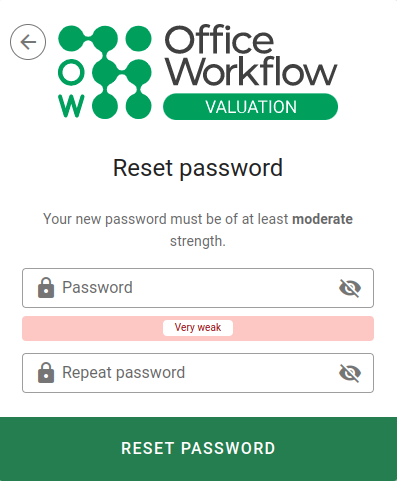
Once you've followed the link and reset your password, you'll be taken back to the login screen where you can use the password to log in.