

Understanding the search results for Properties
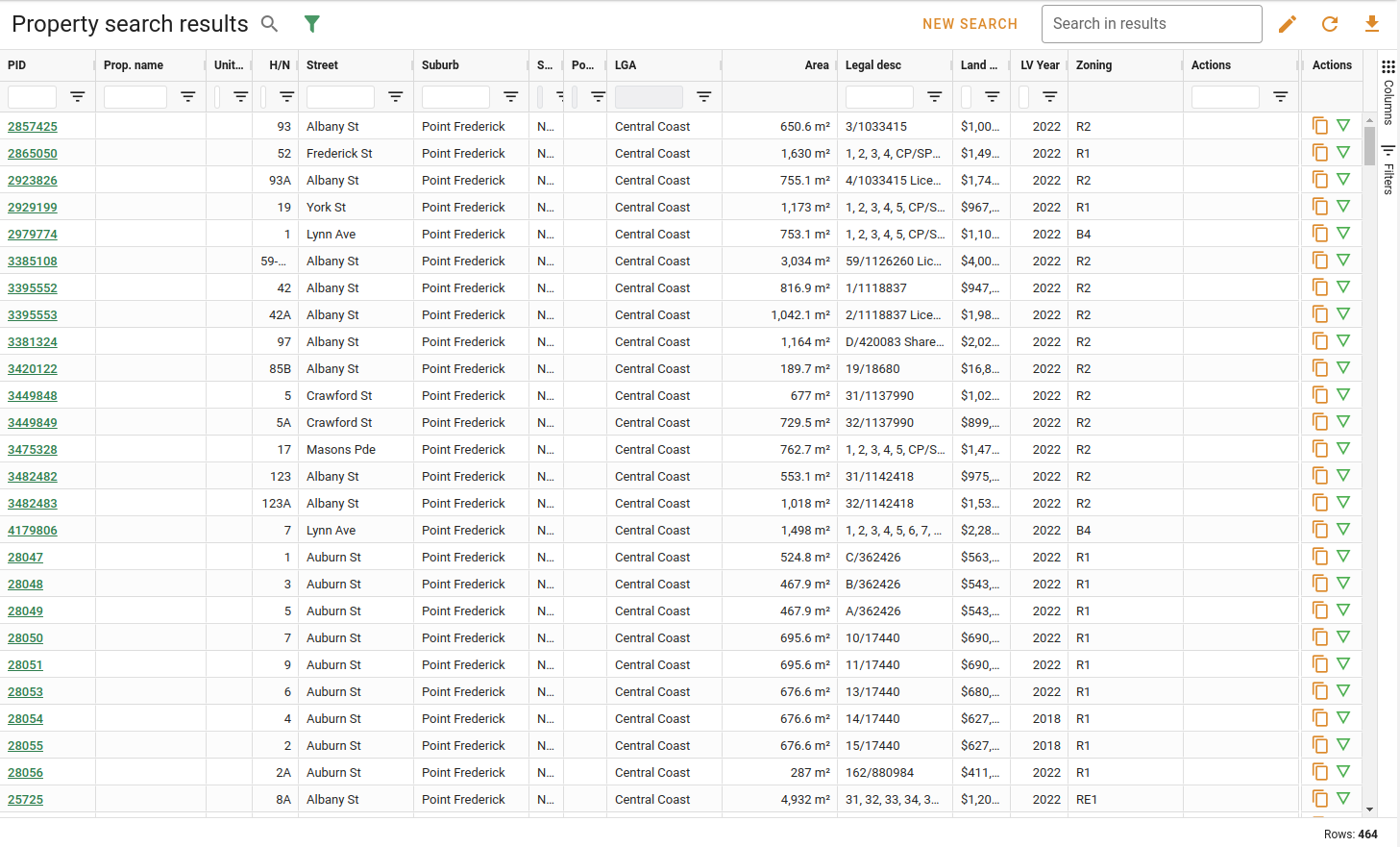
The properties that match your search criteria will be displayed in a data grid. There could be a lot of results, so you might have to filter the results further to find the property you want.
Viewing a property
To view a property from the search results, simply double-click on the row of that property. This will open the property detail view in a popup on the same page.
To view a property as a full page in a new browser tab, right-click it and select open in new tab, or hold Ctrl and click the property's PID.
Filtering results
There are a few ways that you can narrow down the search results to find specific properties, the simplest of which is the text search field.
See Search & Filtering in the data grid guide for more information.
Organising search results
The property search result grid supports sorting, column resizing, showing/hiding columns, and data export.
See the relevant sections in the data grid guide for more information.