

Getting help
Around the application you will find buttons that link to articles in this guide. The articles relate to the part of the application you are viewing.
You can also check out our FAQs for additional information.
Contact support
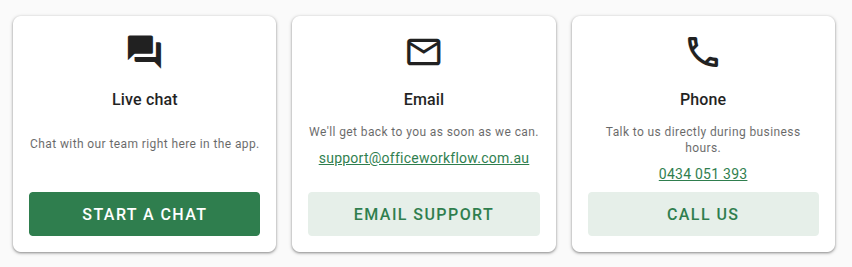
Open About VOW | Contact support in the navigation menu to reach the support page. From there you can:
- Start a live chat. Click Start a chat to talk to our support team without leaving the application. Your name and account contact details are attached automatically, so you can get straight to your question.
- Email us at support@officeworkflow.com.au.
- Call us on 0434 051 393 during business hours.
You can also open the live chat at any time with the button in the top bar. A red badge appears on the button when our team has replied to you.
If you are not signed in, the chat appears as a floating button in the bottom-right corner instead, and asks for your name so our team knows who to reply to.
Administrators can turn live chat on or off for the whole organisation with the Enable live chat support setting in Settings | System. When it is off, the chat options are hidden and you can still reach us by email or phone.