Unstructured request creation
Unstructured requests are requests entered into VOW through the use of AI to process files and plain text into a complete (or semi-complete) request in VOW. Requests can be created from files (such as emails, PDF files, Word files, Excel, etc) or from pasted text. At present, VOW doesn't support reading text from uploaded images. Files must be text-based to work with the unstructured request system.
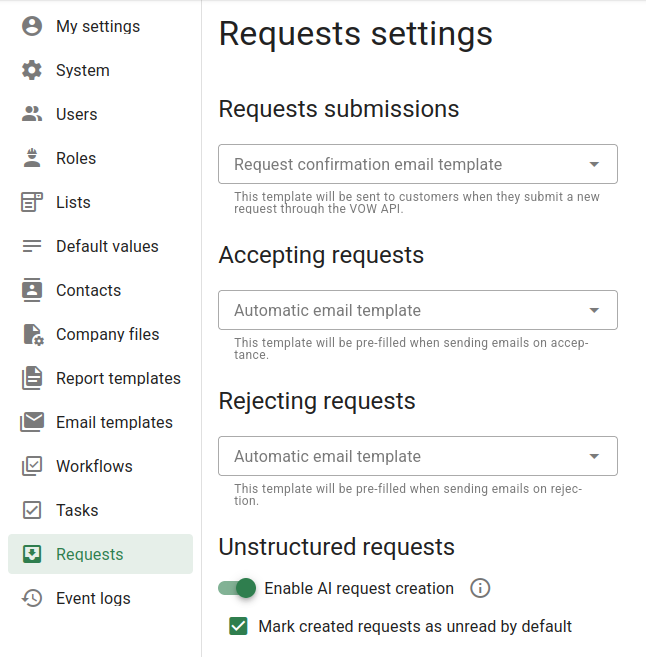
Unstructured requests are disabled by default in the system for privacy reasons. They must be manually enabled in the Requests section of the VOW settings. If enabled, you can also choose whether to have these requests be marked as unread when created or not.
Generating requests from unstructured data relies on OpenAI’s API to generate requests based on your input. Uploaded data is sent securely to OpenAI for processing but is not used to train their models. OpenAI may store the data for up to 30 days.
For full information, see the API Platform section at the following link: https://openai.com/enterprise-privacy
Once unstructured requests are enabled, the New request button in the requests menu will be changed to show a dialog from which you can select the type of request to create, AI request or Form entry. Selecting the AI request option will then open a second dialog.
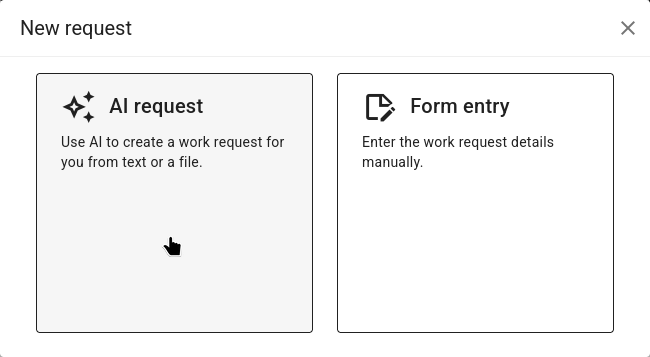
In this New request dialog, you can either paste plain text content into the text box (such as from an email or online form), or you can drag and drop one or more files onto the text box to upload them. Either the file(s) or text that you provide will then be processed and converted into one or more work requests.
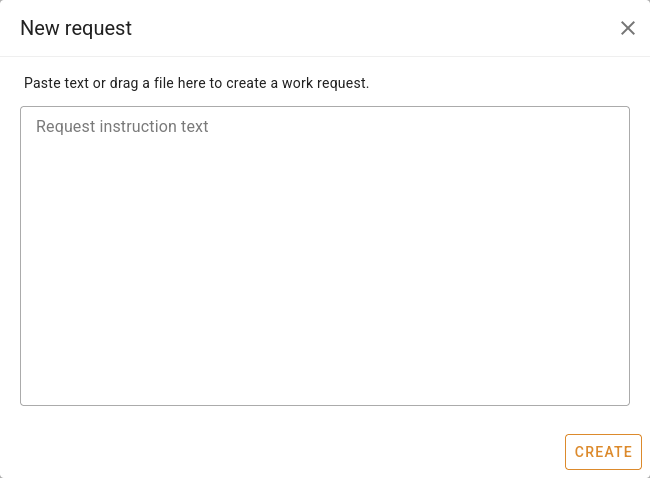
When dropping files on the dialog, one request is created per-file. When writing text, only one request will be created.
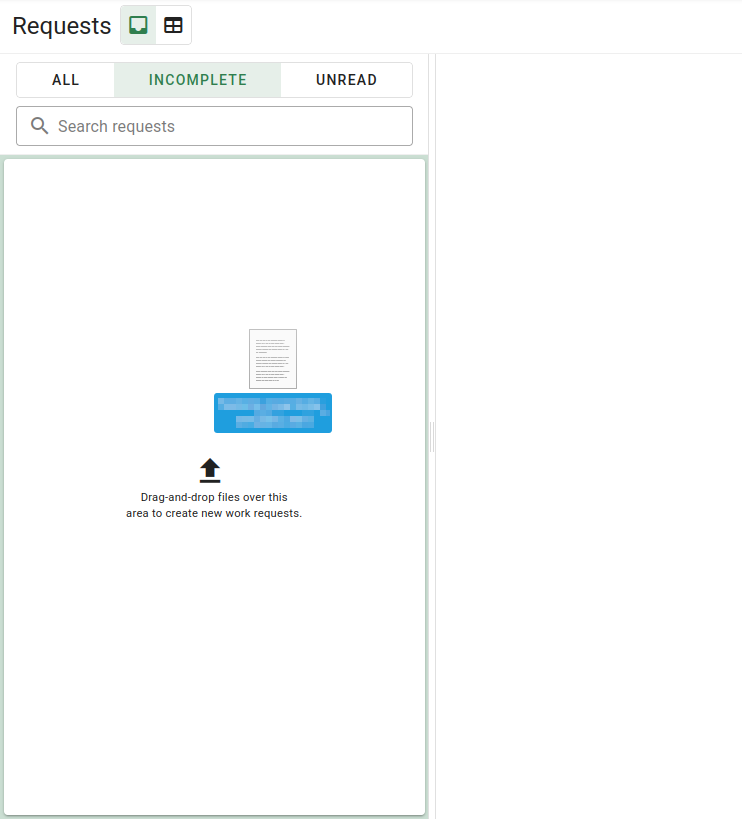
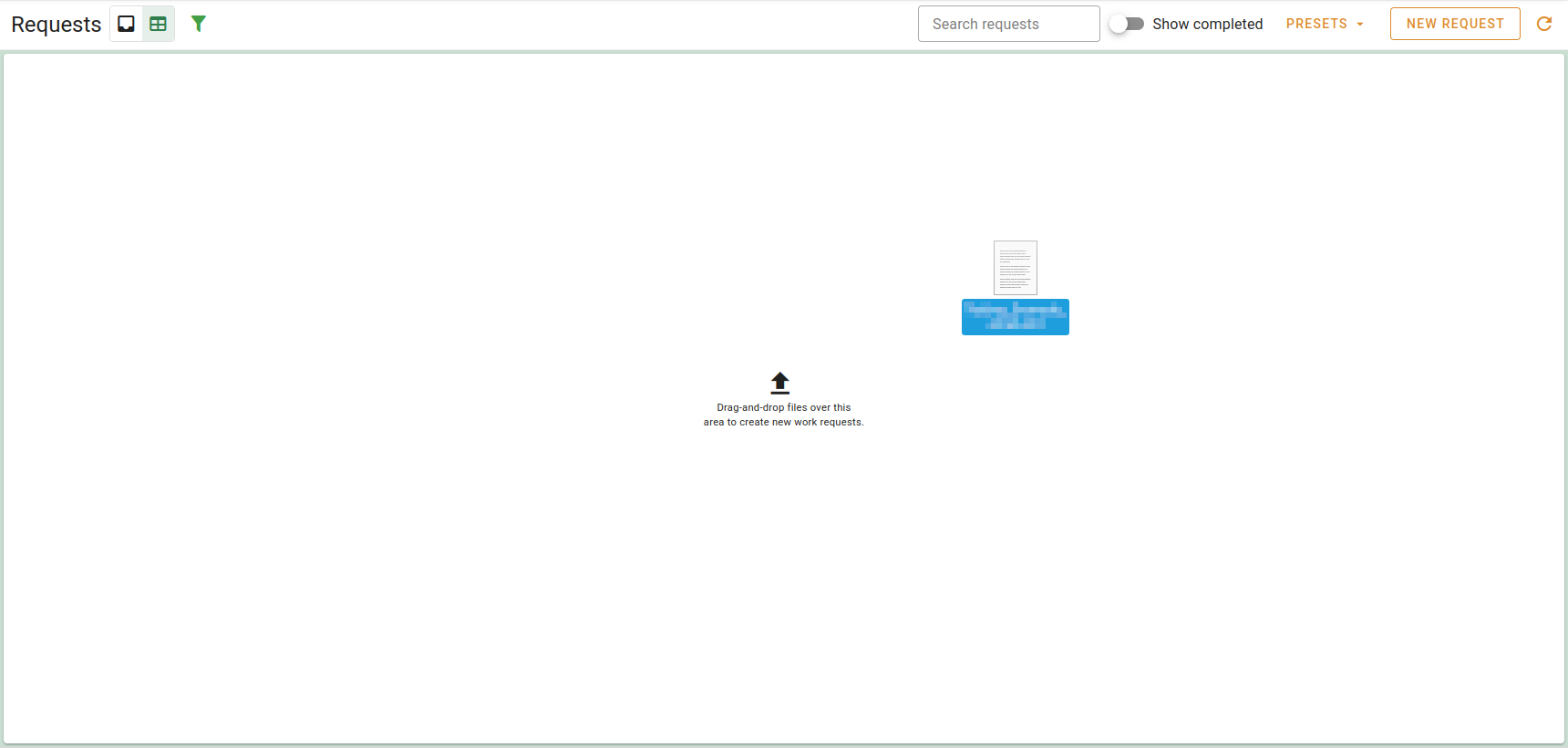
Aside from the unstructured requests dialog, there are also two quick-drop zones available that accept up to 10 files for creating requests. These are present over the message list in the inbox view, or over the grid in the grid view.