

Job summary
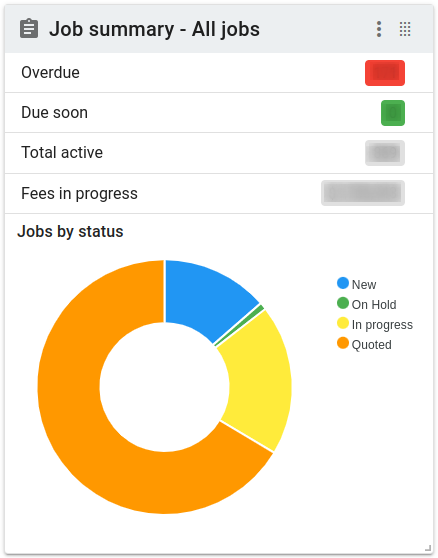
The job summary is a single-glance look at the current state of jobs. It tells you:
- How many jobs are overdue
- How many jobs are due soon (within the next n days)
- How many jobs are in process
- (Optionally) the total fees from the jobs in progress
There is also a donut chart that shows you the ratio of jobs by status. You can click the segments of the donut to see the list of jobs that are in that status.
The Action button has several options available for the panel.
- The Duplicate
 item allows you to create a panel that's a copy of the current panel. The new panel will appear at the top left of the dashboard.
 - The Edit
 item allows you to set the valuer for whom the job summary will be displayed.
 - The Refresh
 item will request updated information from the server.
 - The Send to top
 item will send the panel to the top left corner of the dashboard, pushing other panels down.