

Requests inbox view
The inbox view for requests provides an email client view of the requests. Requests are shown in the inbox list as small cards with basic overview information on them. Selecting these cards opens the request in the full request editor on the right, and marks them as read.
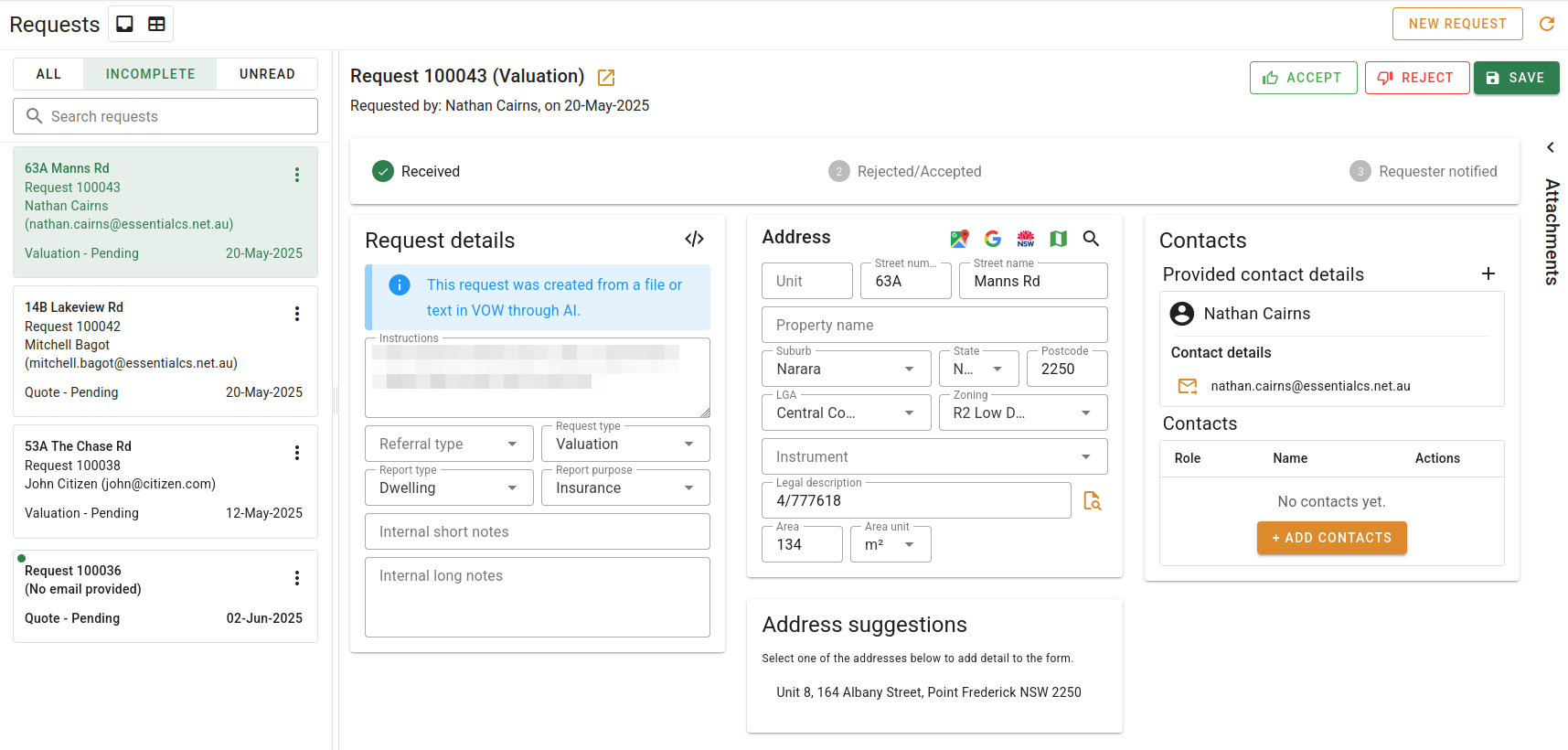
Each inbox card provides the following information at a glance:
- Street address
- Request ref
- Requestor's name and email address
- The type of request (Quote or Valuation)
- The current status of the request
- When the request was made/created
- If the request is unread

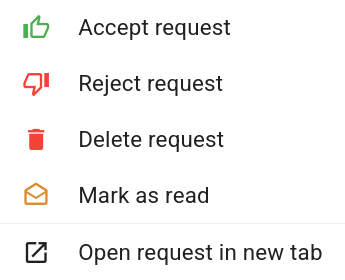
In addition to this information, each card provides a context menu to quickly apply actions to the request. This menu can be opened with the triple dot button, or by right-clicking on the card.
At the top of the request list are a few options to allow for basic filtering of the requests. Firstly, there are three preset filters for inbox values. These become more specific from left to right.
- All. Shows all requests, including completed requests.
- Incomplete. Shows all requests with a status of 'Pending'.
- Unread. Shows all pending requests that have not been read.
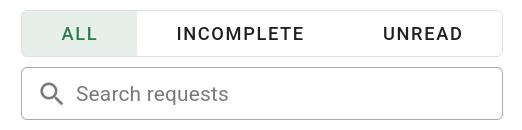
In addition to the three filter presets, you can enter text in the Search requests box to filter the results in the list. The text searches in the contact's details, address, request status and request type.