

Turn on the Word add-in
Included with Enterprise
VOW Tools is the add-in for Microsoft Word. Its fields, such as the property address, the client and the inspection date, fill in from the job when you click Auto-populate on the report. Click it again after details change on the job.
Set up your report templates first.
Before you start
The add-in is installed on each report writer's computer, and the first install takes a few steps in Word. Tell your IT provider, or set aside half an hour to do the first one yourself.
Turn on the add-in
- Open Settings | System.
- In the Word add-in card, turn on Enable Word add-in features in VOW. The Get Add-in and List data buttons appear.
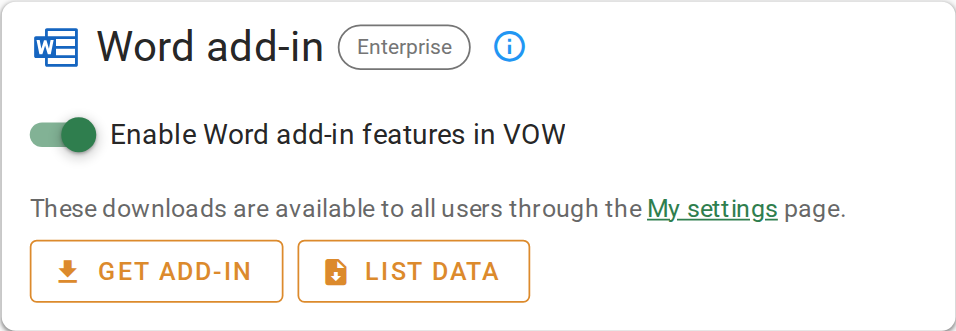
Turning on the Word add-in
Install it for each report writer
Each person who writes reports installs VOW Tools once, on their own Windows computer, from Settings | My settings under Word add-in. The install happens in Word. The VOW Tools Word add-in guide covers every step, including loading the List data file that gives the add-in your dropdown lists.
Add fields to your templates
- Open each report template in Word with VOW Tools.
- Insert the fields you want filled from the job.
- Upload the template again under Settings | Report templates.
Opening a report from VOW in Word needs the VOW Helper on the valuer's computer.
Confirm your setup
On a job, attach a report from a template that has fields. The button appears on it. Click it, and the fields fill in from the job.
For the switch and downloads, see Word add-in.