

Connect to Xero
Included with Professional and Enterprise
Once your Xero organisation is linked, you can push invoices from VOW to Xero, and VOW pulls payments back from Xero to mark invoices as paid.
Skip this task if your company does not use Xero.
Before you start
Have your Xero login ready for the organisation you invoice from. Only one Xero organisation can be linked to VOW.
Connect your organisation
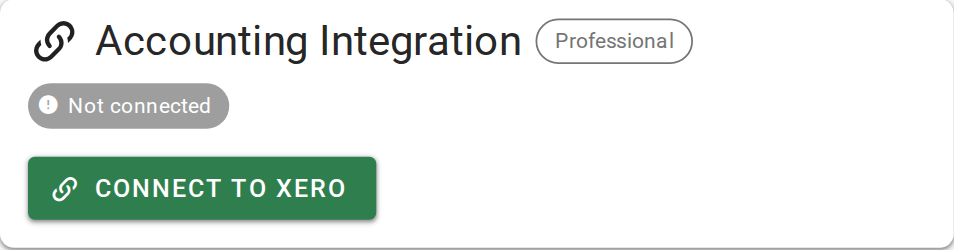
Before you connect, the Accounting Integration card shows Not connected.
- Open Settings | System.
- In the Accounting Integration card, click Connect to Xero.
- Sign in to Xero and choose the organisation to link.
- Allow the connection. Xero sends you back to VOW.
When Xero sends an invoice to a client, it uses the payment details set up in Xero, not the bank account you entered in VOW. Check that both match.
Confirm your setup
The card shows Connected, with the name of your Xero organisation and today's date.
For the connection options, see Accounting Integration.