

Enter your company details
Included with every subscription
VOW prints these details in report headers, on invoices, and in email and report templates.
A document keeps the details it was created with. Fixing a typo later does not fix invoices and reports you have already sent.
Before you start
Have these ready.
- Your company's trading name, email address, phone number and ABN.
- Your street address and postal address.
- Your logo as an image file. On invoices it fits a space about three times wider than it is tall, so a wide logo on a white or transparent background works best. A square logo prints smaller.
Steps
- Open Settings | System.
- In the Company details card, enter your Company name the way you want clients to see it, for example "Smith & Co Valuers Pty Ltd".
- Fill in Company email, Company phone and Company ABN. Add Company fax and Company website if you use them. VOW prints these exactly as you type them, so use the format from your letterhead, such as
02 5550 1234rather than0255501234. - Fill in Company address and Company postal address. Press Enter to start a new line. Addresses print with the line breaks you type, so put
PO Box 123on one line andParramatta NSW 2150on the next. - If your company belongs to a professional standards scheme, turn on Company liability limited by a scheme approved under Professional Standards Legislation. VOW adds the scheme statement to your invoices and reports.
- Under the logo, click Upload and choose your logo file.
VOW saves your changes as you type. There is no save button on this page.
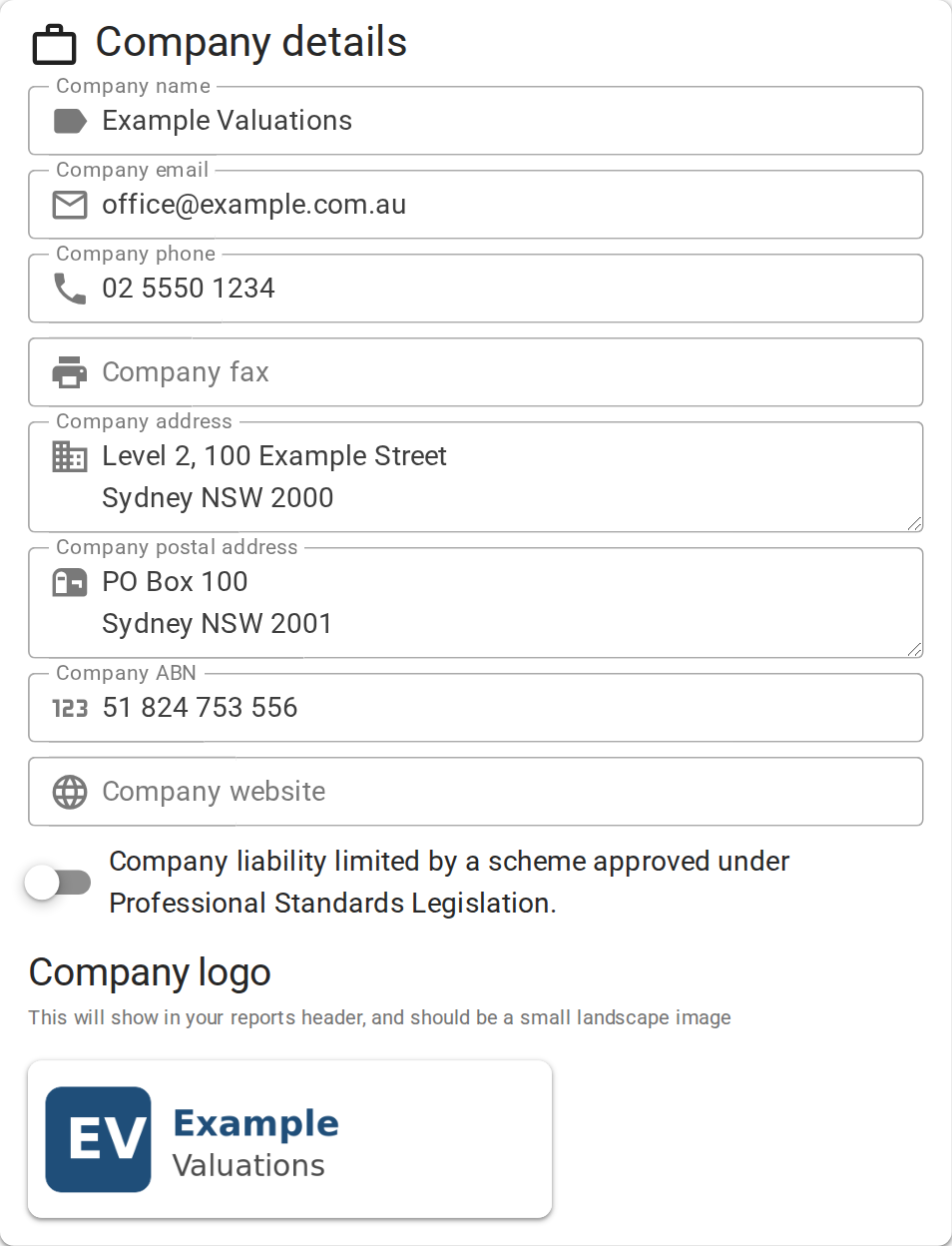
Entering your company details
Confirm your setup
Your logo shows in the Company details card and the ABN field shows no error. Refresh the page. Everything you entered is still there.
For a description of every field on this card, see Company details.